
Nuvolos Update: Try Our New and Improved Application Browser

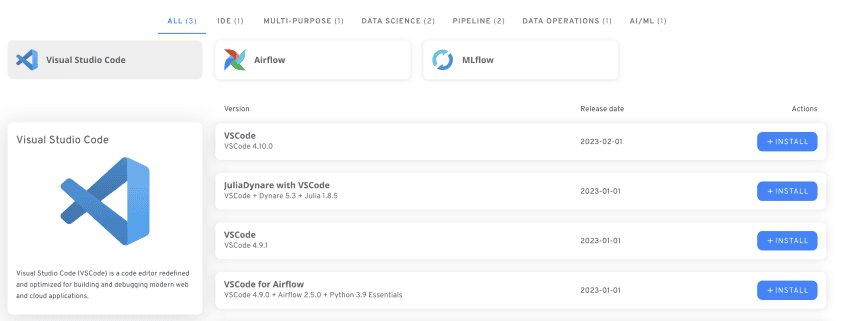
We are happy to be able to present another Nuvolos feature update. Our engineers have been hard at work improving the user-friendliness and information provided in the Nuvolos application browser – the overview in Nuvolos of the great variety of tools that we provide in a number of ready-to-hand configurations for users. Nuvolos has always been a market leader in the number of applications and ready configurations you can use straight out of the box, but now we have added additional quality of life improvements that make it even easier to get your experiments or prototypes up and running in no time.
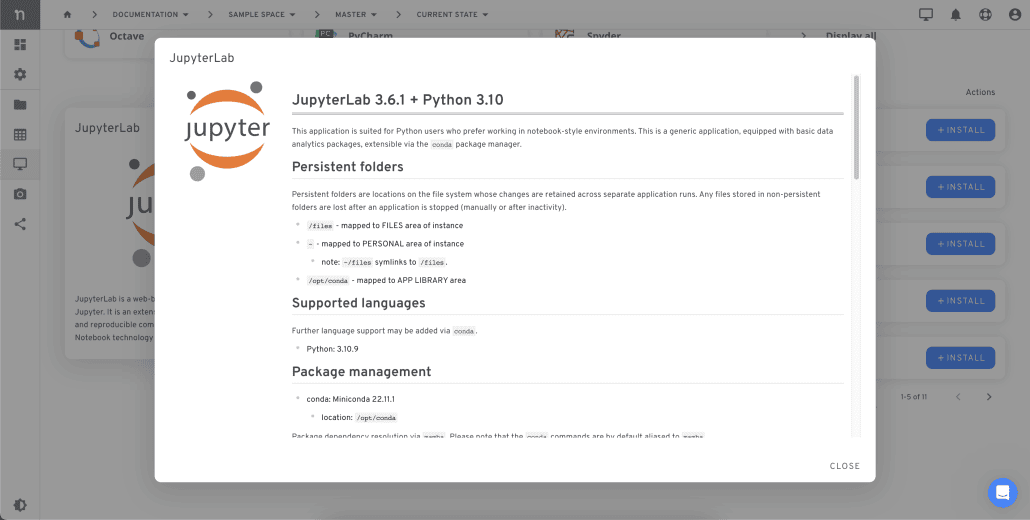
Each of the applications and even each of the individual configurations of a given application is now fully described. This means that by clicking on the app in the application overview, you can immediately get all the necessary information about it in one place. The app information is as thorough as you can desire, including the underlying folder structure, supported languages, package management information, stack description for installation, and more.
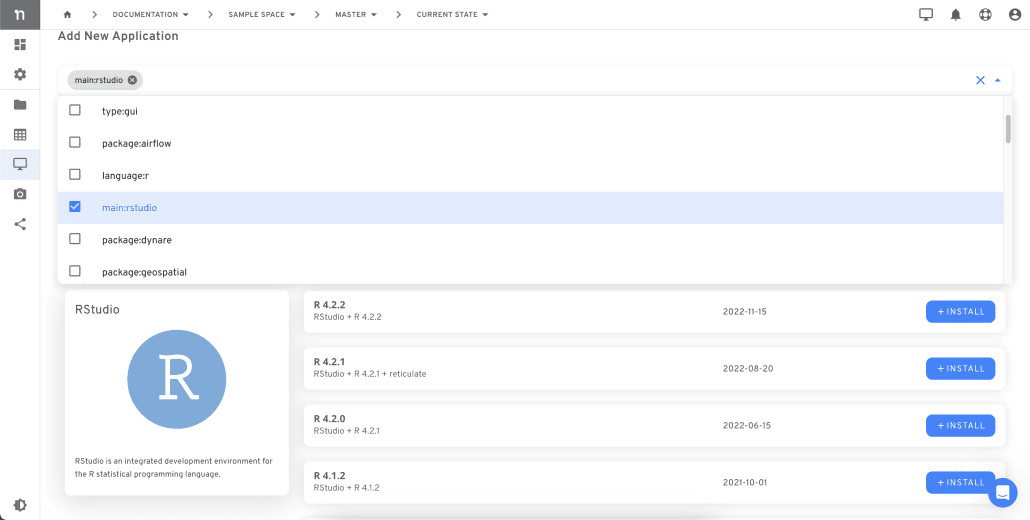
All applications are now fully searchable in multiple different ways. Besides searching based on name in the application browser, you can now also search and return lists of applications based on various relevant tags: language, type, package, and so forth. To further make things easier for the user, we have added a number of pre-written tag searches as suggestions, so you can quickly find what you need without even having to type.
We have provided easier one-click deployment for all apps. When your search in the application browser or clicking on the desired tool returns the one(s) you wanted, you can directly install from the overview – no further clicking or menu navigation required. This will provide additional quality of life.
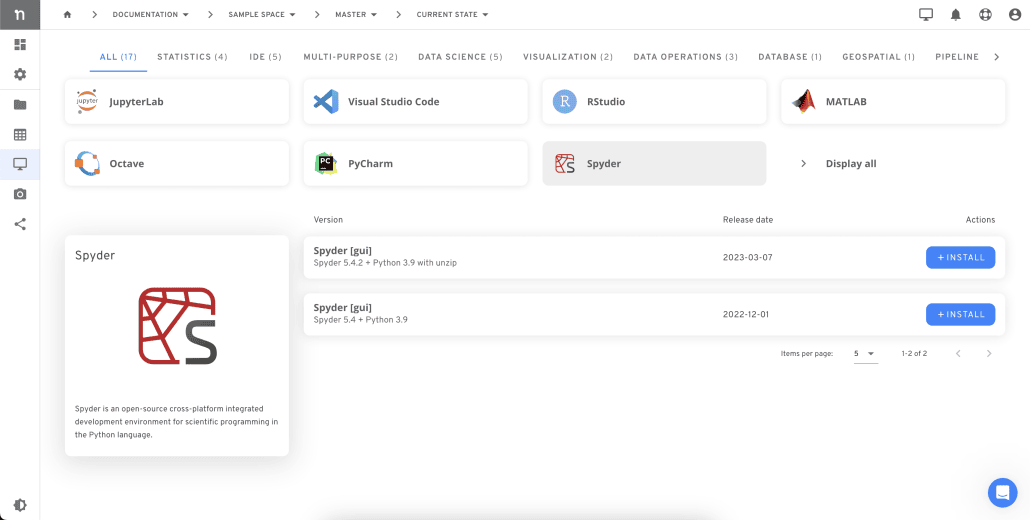
Of course, we also continue to deepen and extend our unique range of different ready-to-use applications and configuration options. By providing a wide array of tools as well as many different state-of-the-art configurations per tool, we can guarantee that it is easier than ever before to get started quickly in your familiar working environment, while also providing the necessary robustness for parallel testing and benchmarking to find the right solution for your problem or use case.
Intrigued by the possibilities? If you are not already a Nuvolos user, try out our free trial now.